How it works
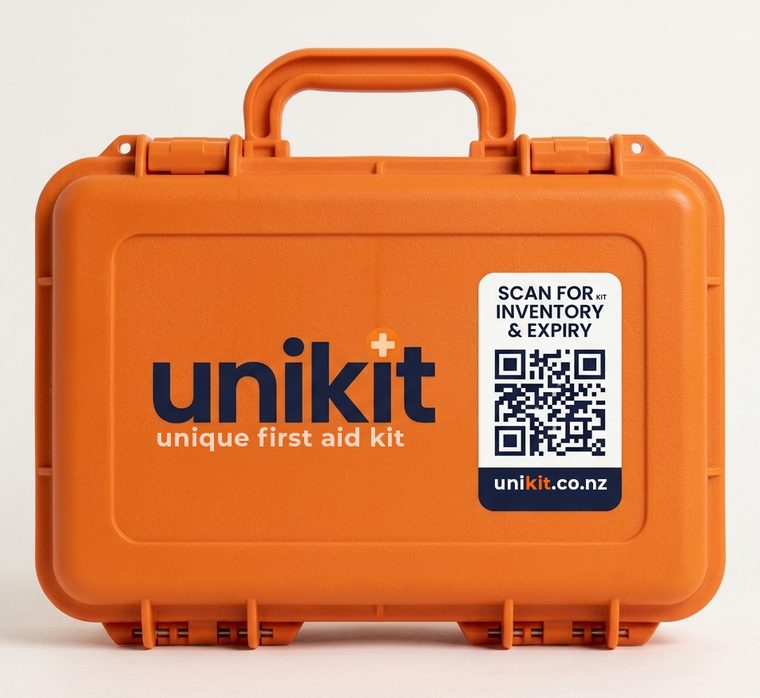
The pharmacy packs your kit and records every item as it goes in, with the expiry date off the packet. The lid gets a code.
Your phone's own camera opens the kit. No app to install, and no account needed to look.
What is in it, what has expired and what is close. Send the list back to the pharmacy and they make it up.
Have not got one yet
Tell us where it lives and who it covers. We suggest what should go in it, you change anything you like, and the pharmacy makes it up.
No account needed to start. Takes about a minute.
Point your phone camera at the code on the lid — or type the code printed under the serial number.
That is the short code, not the serial number. Dashes and capitals do not matter.
Sign in to manage your kits